The Mobile Image-to-SVG Shift: Fast Offline Vector Workflows on Android for Cricut, Vinyl Stickers, and Microstock
Why more crafters, merch makers, and designers are converting JPG and PNG images to SVG and EPS directly on Android—and how to get razor-sharp vectors without opening a laptop.
M
MAHESAPP
5 min read · November 25, 2026
Mobile-first vectorization: convert JPG and PNG bitmaps into scalable SVG and EPS graphics directly on Android for stickers, merch, laser engraving, and digital assets.
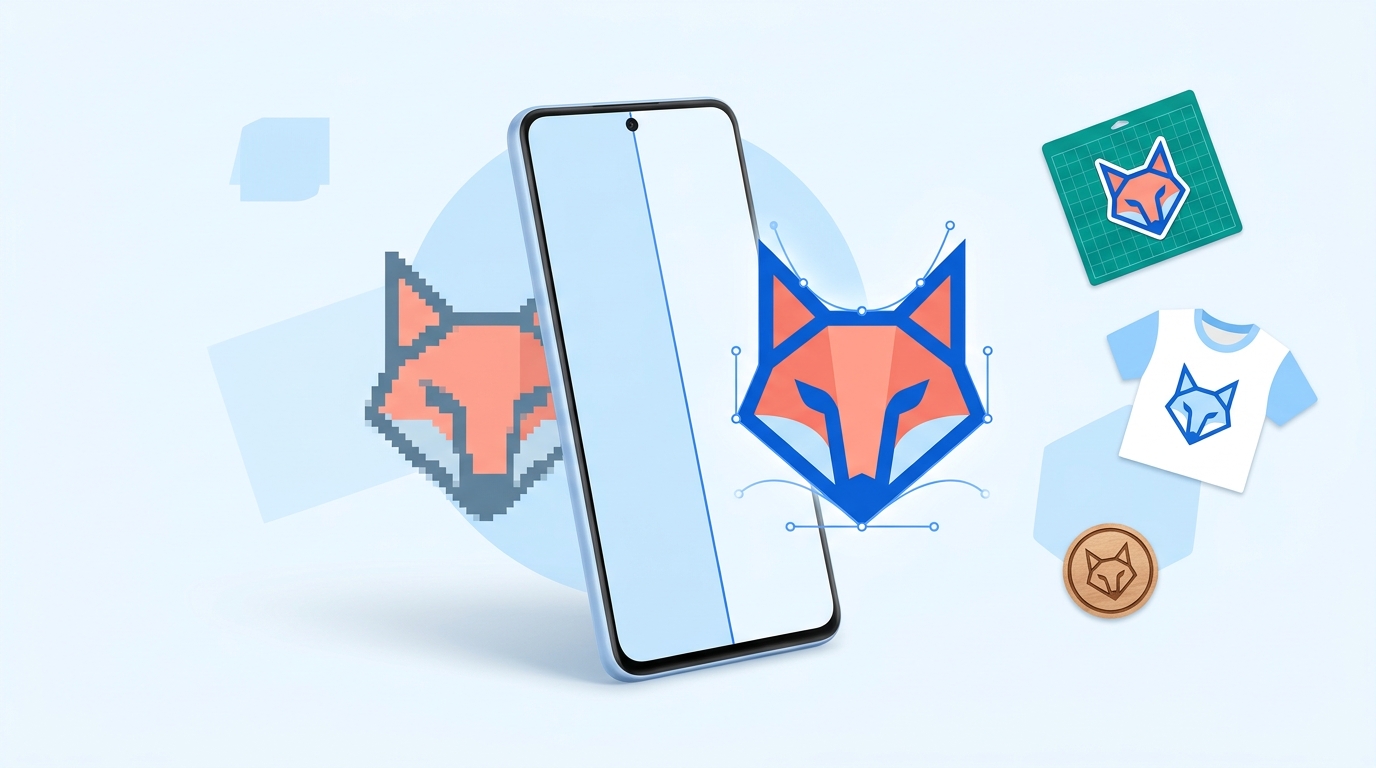
Not long ago, converting a JPG or PNG image into a clean vector file (SVG or EPS) meant firing up a laptop, launching heavy desktop software like Adobe Illustrator or CorelDRAW, and spending valuable time manually tracing paths. Across the maker, merch, and freelance design communities in 2026, that habit is rapidly changing: converting images to SVG directly on an Android phone has become an everyday production workflow.
Why is this mobile-first shift accelerating so fast? Because modern creative work happens on the move. A client drops a compressed logo in chat, you snap a quick photo of a hand-drawn sketch, or you generate an icon concept on your phone—and minutes later you need a scalable vector ready for a cutting machine, print shop, or digital store.
Why Mobile Image-to-SVG Workflows Are Trending Right Now
Four converging shifts across crafting, small-business printing, and digital design are fueling demand for fast Android SVG converters:
Booming custom merch, vinyl stickers, and DTF printing: Small shops and independent makers producing die-cut stickers, apparel transfers, and Cricut or Silhouette decals need crisp SVG paths that scale cleanly without jagged pixel edges.
Direct phone-to-machine pipelines: More creators now run Cricut Design Space on mobile or control portable laser engravers from companion apps—eliminating the friction of transferring files back and forth to a PC.
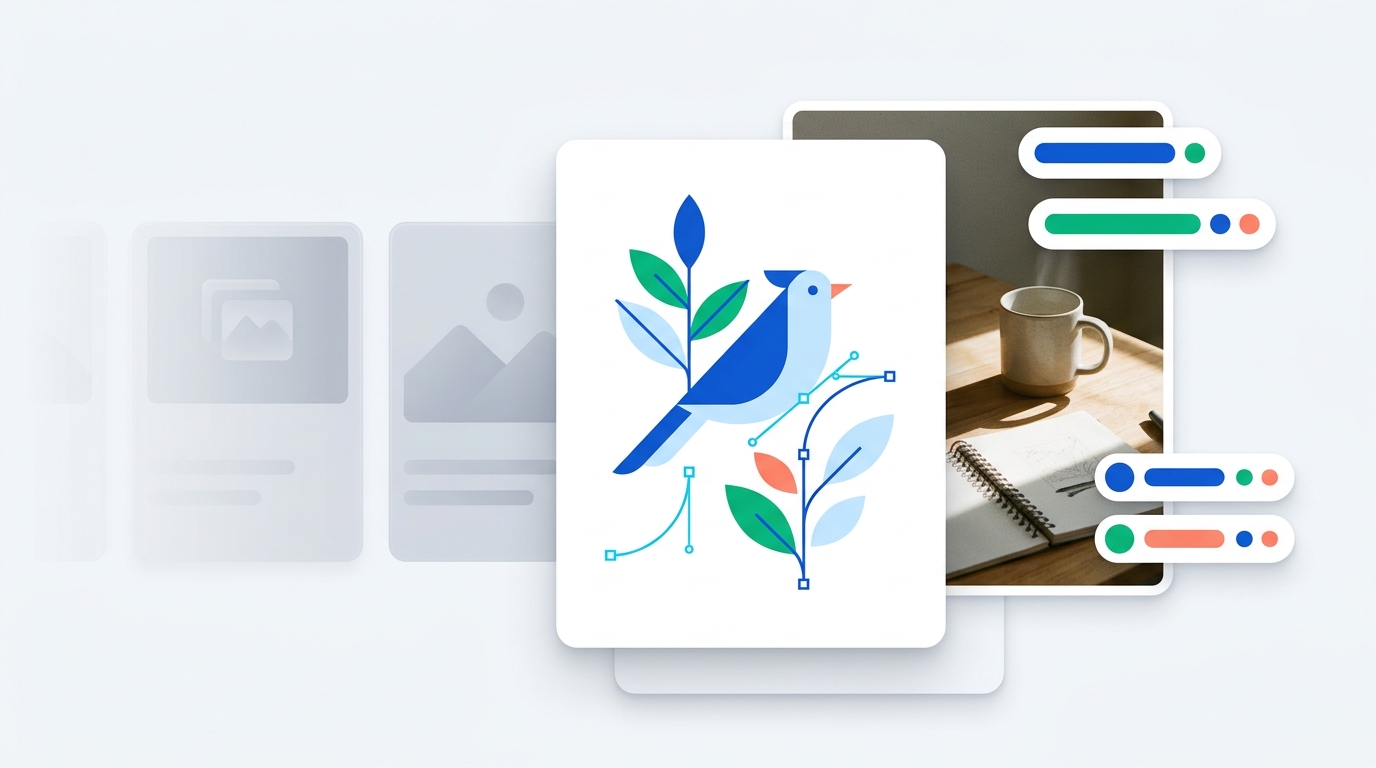
Sketch-to-vector and microstock asset prep: Illustrators and microstock contributors frequently turn clean JPG/PNG artwork into lightweight, infinitely scalable SVG and EPS files for commercial licensing.
Free browser-based converters are everywhere, but uploading unreleased client logos or original commercial artwork to unknown cloud servers is a risk many professionals want to avoid.
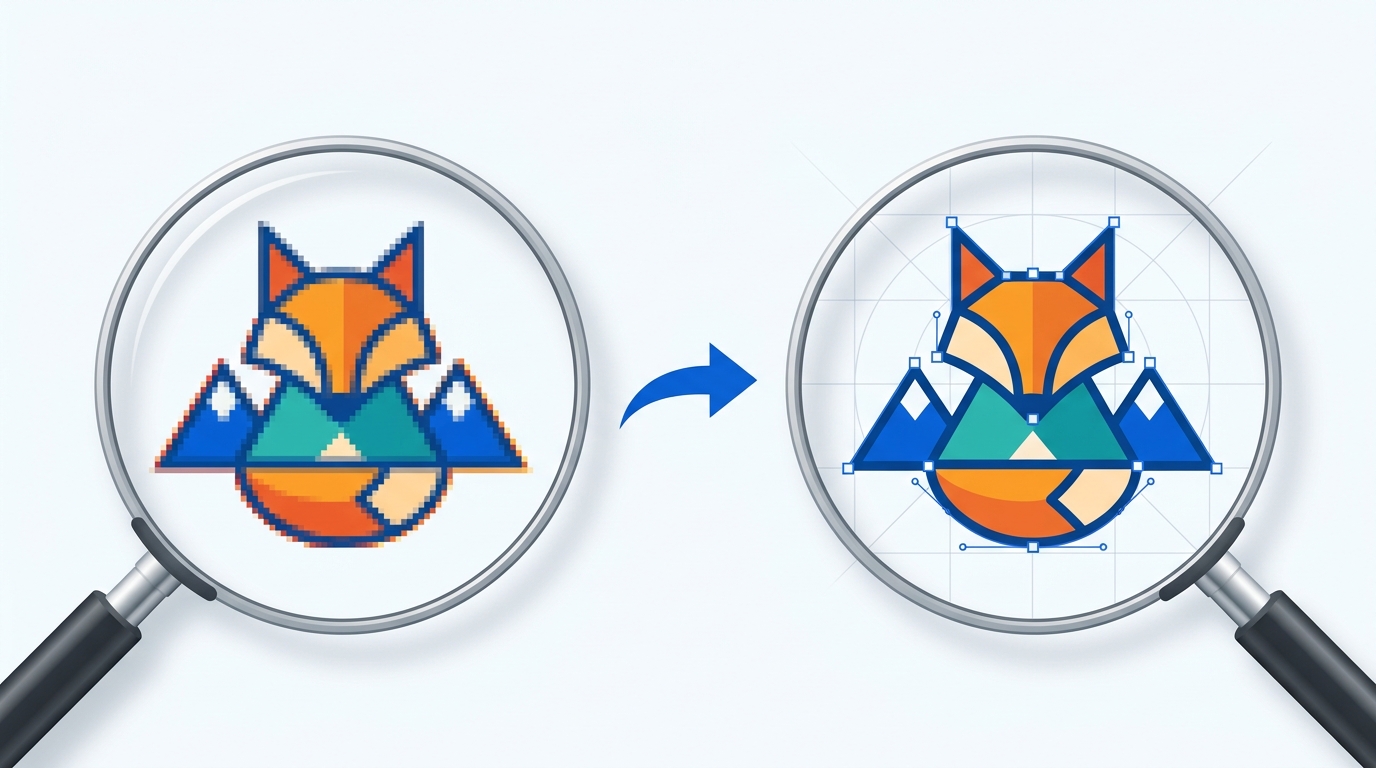
Zooming in reveals the difference: raster JPG/PNG bitmaps break down into jagged pixels, while SVG vectors keep smooth edges at any print or screen size.
3 Common Auto-Tracing Pain Points (and How to Solve Them)
Converting bitmap images to vector graphics sounds simple, yet poor inputs or clunky tools can easily create frustrating results. Here are the three most frequent bottlenecks—and how modern mobile workflows solve them:
Blurry or low-resolution source images — Logos forwarded through messaging apps are heavily compressed and full of edge artifacts. Tracing them as-is creates wobbly lines. Using 2x upscaling before conversion sharpens edge definition so vector curves stay far cleaner.
Converting dozens of graphics one by one — When you are preparing a sticker pack, icon set, or microstock batch, repeating single-file conversions wastes time. Bulk conversion paired with ZIP export turns tedious batch prep into a single tap.
Unreliable internet or confidential client files — Cloud converters stall on weak workshop Wi-Fi and force your artwork onto third-party servers. Choosing an offline, on-device vectorizer keeps both speed and privacy under your control.
Meet Mini Vectorizer: Image To Vector on Google Play
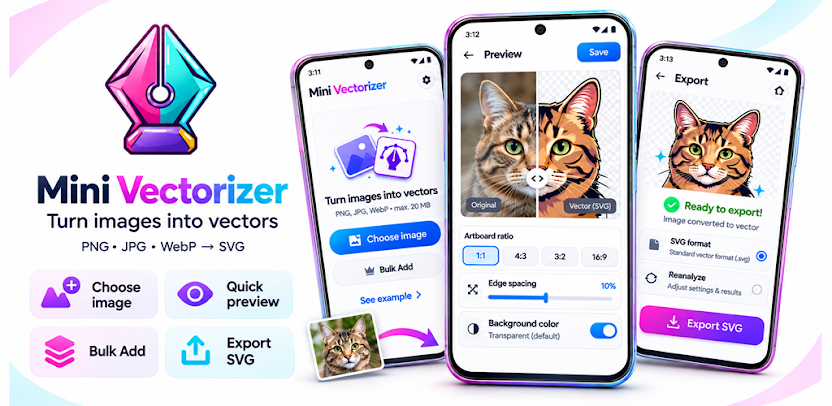
Built specifically for fast, clutter-free mobile vectorization, Mini Vectorizer: Image To Vector by MAHESAPP brings dependable raster-to-vector conversion straight to Android—without forcing you onto a desktop or into a cloud queue.
Here is what makes it a practical fit for everyday design and maker workflows:
Convert JPG & PNG to SVG or EPS: Export to the two vector formats that matter most—SVG for Cricut, laser tools, and web graphics, or EPS for print production and microstock workflows.
Bulk & Automatic Conversion: Process a single logo or convert multiple images in one batch automatically without tedious manual tweaking.
2x Upscaling for Blurry Images: Enhance low-resolution or compressed raster files before vectorizing to improve edge clarity.
Export as a ZIP File: Bundle converted batch outputs into a single neat ZIP archive for effortless sharing or archiving.
100% Offline Processing: Every conversion runs locally on your Android device—no internet connection required and no uploading images to external servers.
A 4-Step Mobile Workflow from Phone Gallery to Production
Putting a mobile-first vector pipeline into action takes less than a minute:
Pick your JPG or PNG source (a client logo, high-contrast sketch, or sticker artwork) from your Android gallery.
Open Mini Vectorizer and select either a single image or an entire batch for bulk conversion.
Enable 2x upscaling if your input looks blurry or heavily compressed, then choose SVG (ideal for Cricut, cutting vinyl, and web) or EPS (ideal for print and microstock).
Save individually or export as a ZIP, then import straight into Cricut Design Space, your laser workflow, or your design folder.
The Takeaway
Converting images to SVG on Android is no longer a backup plan for when you are away from your computer—it is a faster, leaner way to move from idea to cut-ready or print-ready vector. With offline processing, bulk conversion, 2x upscaling, and clean SVG/EPS exports in Mini Vectorizer, turning everyday bitmaps into scalable vectors fits right in your pocket.